
KEY TAKEAWAY
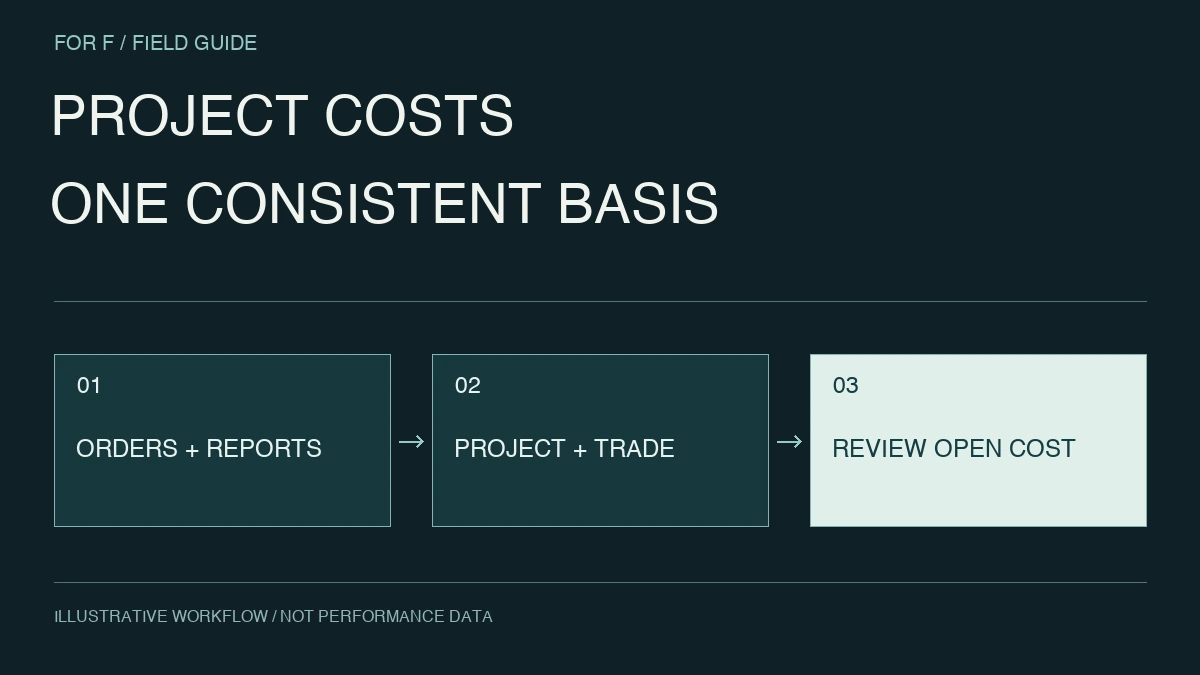
Track the lifecycle of a cost rather than adding document totals. Map project, work package, order and revision, keeping actuals separate from forecasts.
1. Adding orders and invoices overstates cost
An order and invoice for the same materials are not independent costs. Map order, acceptance, invoice and payment states, including remaining commitments after partial delivery.
Payments alone omit outstanding obligations. Define which stage informs each decision before designing the totals.
2. Align work packages and budget versions
Map budget categories to reporting and purchasing categories, agreeing on shared and external costs. Separate approved revisions from proposals.
Overwriting the original budget erases the explanation of change. Retain effective dates, reasons and approvers so a reviewed version can be reproduced.
3. Separate scope additions from overruns
Variance may come from additional scope, quantity, pricing or rework. A red total alone does not show the action needed. Track requested, estimated, approved and ordered changes separately from unapproved forecasts.
Link change identifiers to original requests so people can explain the difference. Traceability is more useful than chart complexity.
4. Elapsed time is not completed value
Half the schedule does not imply half the cost or earned progress. Materials may be bought early and acceptance may cluster late. Define progress and cost indicators separately.
Weekly forecasts and closed-month accounting have different certainty. Label preliminary, forecast and final figures with update dates and owners.
5. Commission reconciliation, not just a screen
Request mappings, formulas, exclusions and reconciliation evidence alongside the dashboard. Test corrected invoices and partial acceptance and document investigation steps.
Define capture ownership and deadlines. Reuse existing records where possible and evaluate reporting burden instead of creating duplicate entry.
6. Validate one project before expansion
Start with one project or work package and reconcile budget, orders and invoices. Expand once site and office teams can explain differences. New and active projects may need different historical migration scopes.
For f can begin with existing registers, budgets and document examples to define a focused validation.
A concrete acceptance check
Compare finance close reports and site sheets at the same cutoff, stating whether unsettled amounts are included. Confirm that later invoices update figures while preserving history.
Before commissioning
- Map order, acceptance and invoice states.
- Retain approved budget versions.
- Separate scope additions and unapproved forecasts.
- Reconcile corrections and partial acceptance.