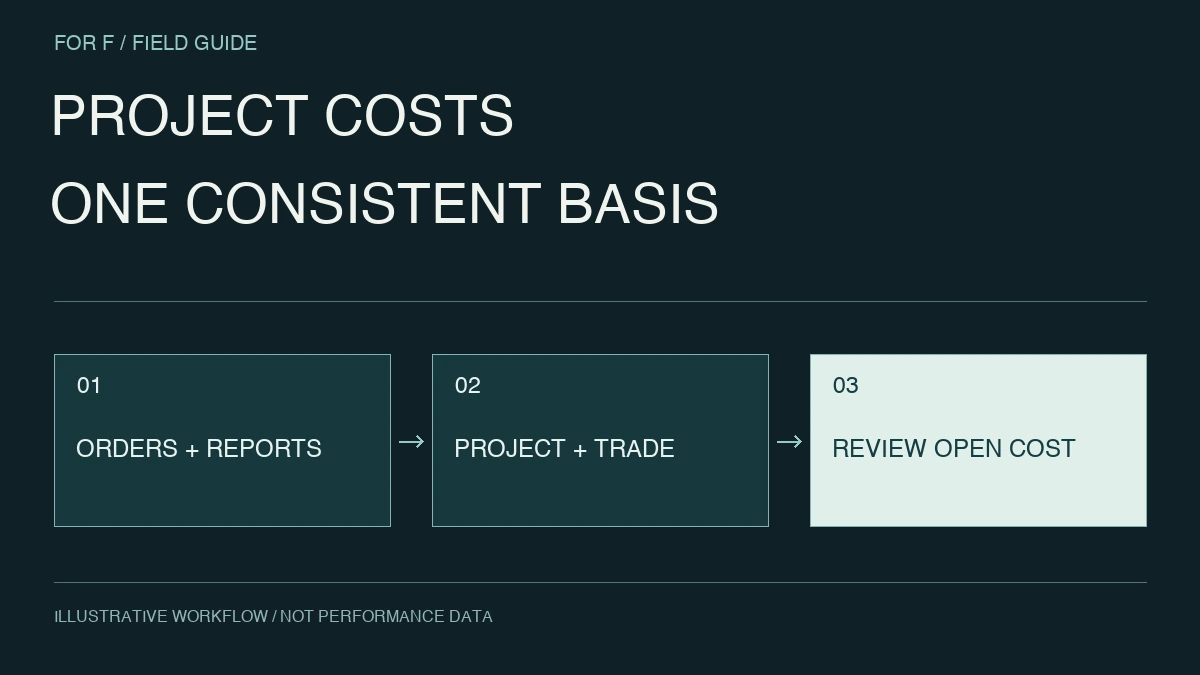
Connect daily reports, progress, purchasing, cost and revisions by project. Reduce reconciliation between sites and head office and make scope and budget changes visible.
Conceptual data-to-operation flow, adapted to the agreed project scope.
Start with the operating model. Find the right problem.
Documents and subcontractors vary by project. Define project IDs, work packages, revisions and approval states, while keeping reporting practical for the site.
For these teamsProject delivery, site managers, estimating, procurement, finance and IT
01 / INPUTS
Project registers and budgets
Daily reports, photos and schedules
Orders, invoices and revisions
02 / CONTEXT
Align projects and work types
Align scope and time, preserving the path to source records.
An illustrative path from data to decisions. Interfaces, access and evaluation depend on the agreed scope.
PRIORITY WORKFLOWS
Choose the work to improve first.
01 / CAPABILITY
Project cost and progress data
Paid amounts omit open commitments, while adding orders and invoices can double count. Track costs through their lifecycle rather than summing every document.
Separate project budget, committed costs, payments and remaining estimates. Design reporting that relates progress to costs at a consistent work-package level.
Start with existing information. Design the connections.
Before adding systems, identify sources, access methods and refresh owners. CSV and existing reports can establish value before committing to integrations.
01Project registers and budgets
Align project, work type, work date and staffing, including late reports and cross-month recognition.
02Daily reports, photos and schedules
Separate purchase orders, deliveries, invoices and payments so uninvoiced costs remain visible.
03Orders, invoices and revisions
Track revisions and approval states of drawings, estimates and minutes so old versions are not treated as current instructions.
Align project registers and document stores, define subcontractor access and post-project retention, and design submission retries for site connectivity.
Understand project cost variance, including unsettled items.
This is an illustrative engagement, not a client case study or a claim of results.
Consider a project whose cost appears different to site and finance teams. Limit scope and define ordered, delivered and invoiced states together with monthly closing rules.
Show budget and actual cost by project and work type, with uninvoiced or pending items separated. Link variances to purchase orders and daily reports for joint review.
What this prototype delivers
Compare finance close reports and site sheets at the same cutoff, stating whether unsettled amounts are included. Confirm that later invoices update figures while preserving history.
Useful inputs for an initial discussion
Sample budgets, purchase orders, daily reports and invoices
Project/work-type codes and closing rules
Treatment of variations, unapproved work and uninvoiced costs
The set does not need to be complete; discovery can establish missing inputs and access conditions.
DISCOVER → PROVE → BUILD
Can evidence and revisions be shared without increasing site reporting effort?
Choose one document type or one cost work package within a project.
01
Test revisions
Include old and new documents and budgets to check version selection.
02
Review at the site
Evaluate mobile access to evidence in the real task sequence.
03
Reconcile totals
Test partial acceptance and additional work for duplicate or unrelated costs.

 CONSTRUCTION / OVERVIEW