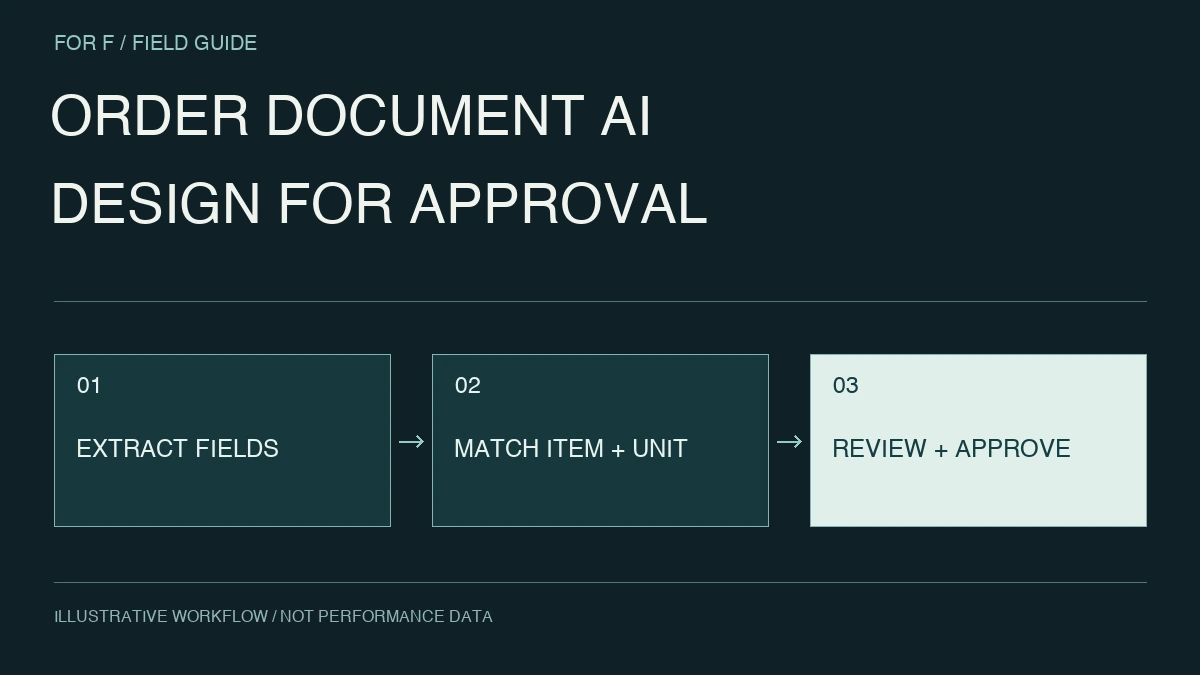
Connect fax, PDF and email orders with products, trading terms and stock. Design extraction, reconciliation, approval and ERP registration as one workflow.
Conceptual data-to-operation flow, adapted to the agreed project scope.
Start with the operating model. Find the right problem.
Customer product names may differ from internal codes, with varying pack sizes and price terms. Order entry involves commercial interpretation as well as reading text.
For these teamsSales operations, order processing, purchasing, logistics and IT
01 / INPUTS
Orders and delivery documents
Product and customer masters
Sales and inventory systems
02 / CONTEXT
Extract and match products
Align scope and time, preserving the path to source records.
An illustrative path from data to decisions. Interfaces, access and evaluation depend on the agreed scope.
PRIORITY WORKFLOWS
Choose the work to improve first.
01 / CAPABILITY
Order processing and document AI
Correctly recognized text can still produce a wrong order through pack-size or retired-code mismatches. Evaluate recognition, product identification and commercial checks separately.
Extract product, quantity and destination into a review interface linked to the original. Design exceptions and approval before automatic registration.
Identical model text can hide different packs, specifications or bundles. Distinguish exact matches, approved mappings and unconfirmed candidates.
Connect purchasing, sales and stock by product and customer to investigate slow-moving items and margin changes. Separate naming differences from commercial terms.
Start with existing information. Design the connections.
Before adding systems, identify sources, access methods and refresh owners. CSV and existing reports can establish value before committing to integrations.
01Orders and delivery documents
Review original fax/PDF orders with receipt times and replacements, so repeated sends are identifiable.
02Product and customer masters
Map customer item names to internal codes and reconcile case, box and piece conversions.
03Sales and inventory systems
Check contract prices, validity dates and customer terms; document amounts do not automatically become approved prices.
Track receipt, storage, review and ERP status under a single intake ID. Use duplicate-safe retry keys and an operator reprocessing interface.
Make order entry focus on the fields that need review.
This is an illustrative engagement, not a client case study or a claim of results.
For one customer format, prototype extraction of product, quantity, unit and requested delivery date. Observe where staff recheck originals and collect exception patterns first.
Display the original beside extracted fields, flag unresolved codes, units and possible replacements, and initially export only approved records as a CSV for the core system.
What this prototype delivers
Acceptance checks whether reviewers can stop wrong quantities, units and duplicate orders. High extraction accuracy alone does not pass if unapproved records can be registered.
Useful inputs for an initial discussion
Redacted normal, corrected and resent orders
Item codes, unit conversions and customer-specific price rules
Owners and procedures for review, approval and registration
The set does not need to be complete; discovery can establish missing inputs and access conditions.
DISCOVER → PROVE → BUILD
Can the workflow reduce entry effort without increasing registration errors and rework?
Evaluate a customer document group or product category including amendments and returns.
01
Include difficult lines
Hold out handwritten, abbreviated and similar-code examples.
02
Simulate registration
Test duplicates and amendments in a non-production destination.
03
Measure the whole task
Include review, correction and approval, not just extraction speed.

 WHOLESALE & TRADING / OVERVIEW